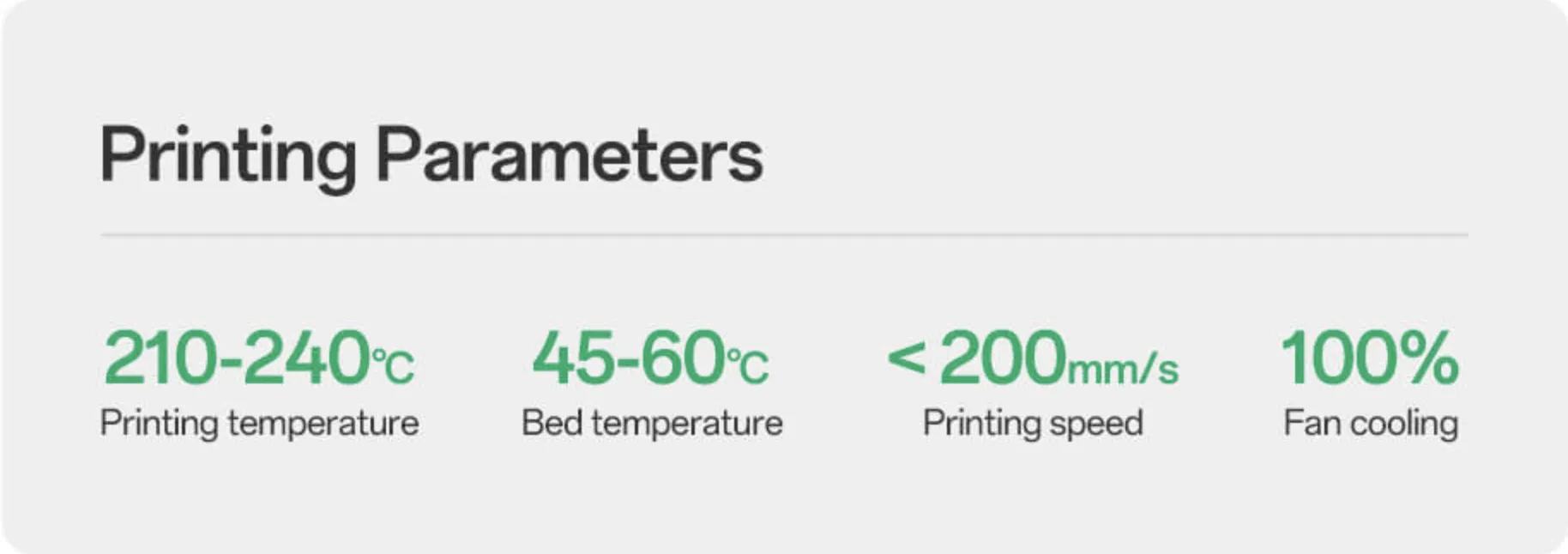
The slower the printing speed, the better the gloss and transparency of the model. To improve transparency, it is recommended to set the printing speed low.
Layer Height Setting
Theoretically, the higher the layer height, the better the transparency effect. It is recommended to use a relatively high layer height as much as possible, but not exceeding the maximum limit of the nozzle.
Printing Temperature
The higher the temperature, the better the gloss and transparency of the model. It is recommended to appropriately increase the temperature when printing transparent materials.
Wall Thickness Setting
The thinner the modexl, the better the transparency effect. It is recommended to appropriately reduce the wall thickness and set the infill rate to 0 to enhance the transparency effect.
Suitable for Art Design and Cultural Creativity
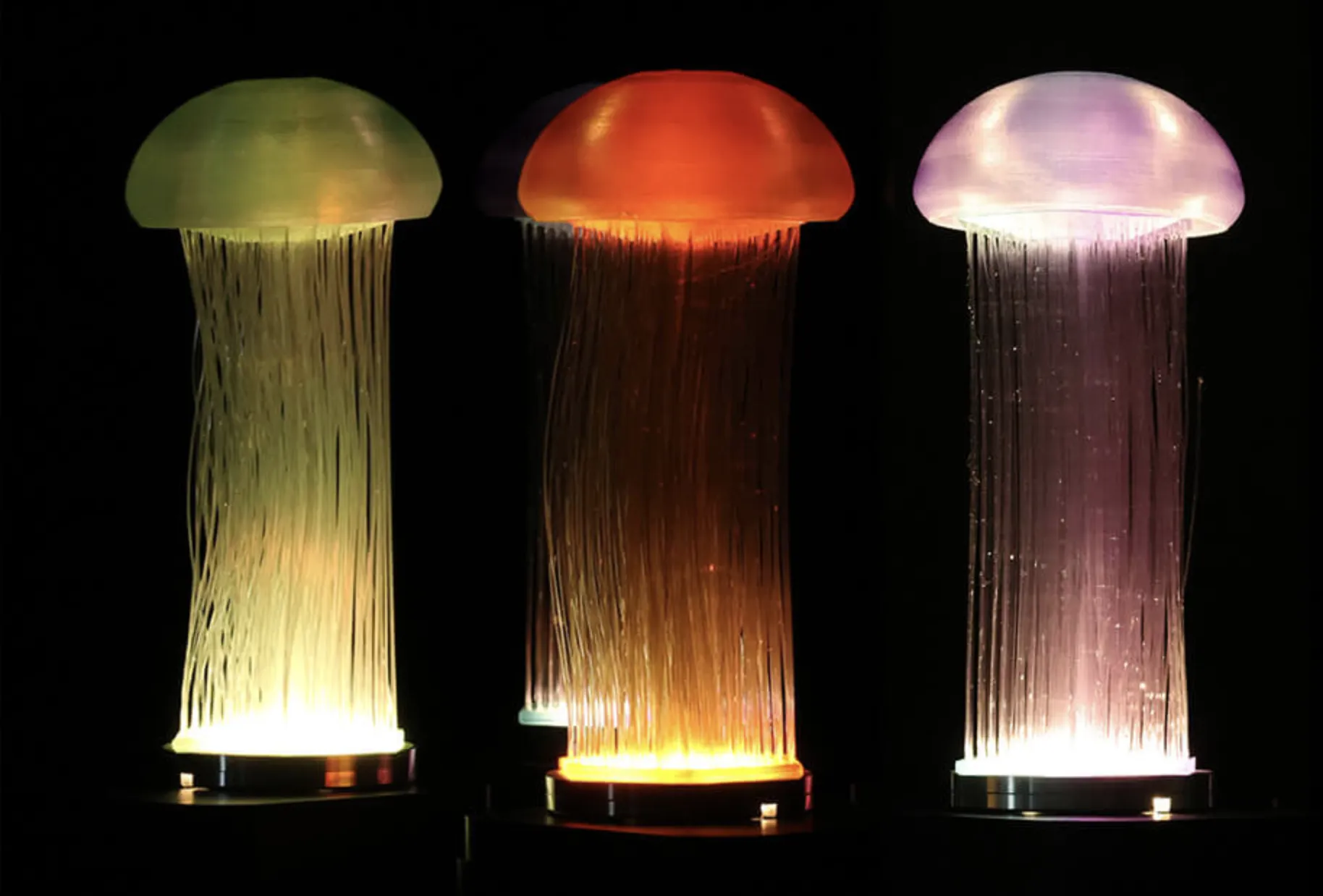
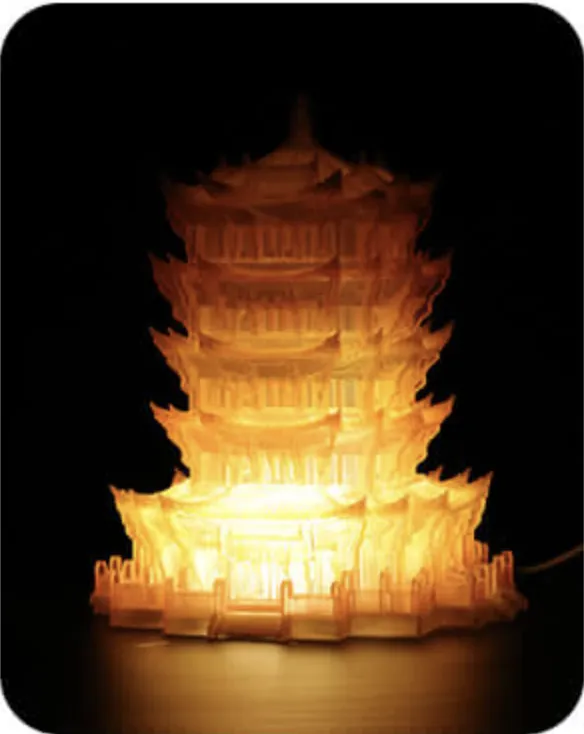
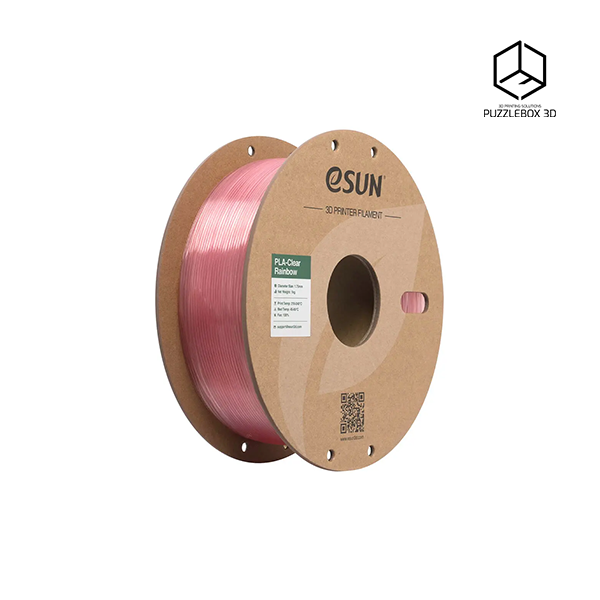
Transparent materials are highly playable and suitable for art design, film and television prop design, etc. Additionally, as an entry-level aesthetic material, PLA Transparent Rainbow is also widely used in fields such as concept modeling, prototype design, and cultural creativity.
Additional information
Color
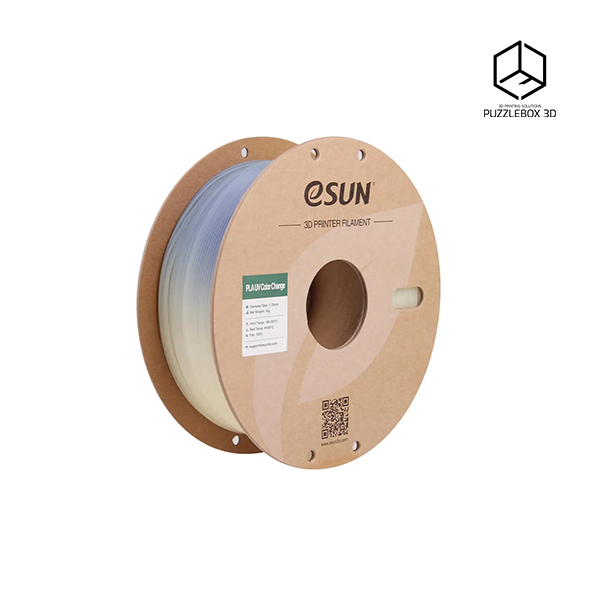
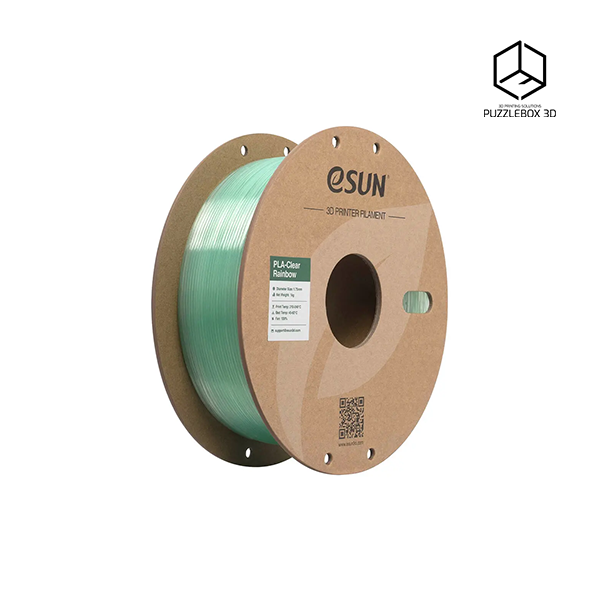
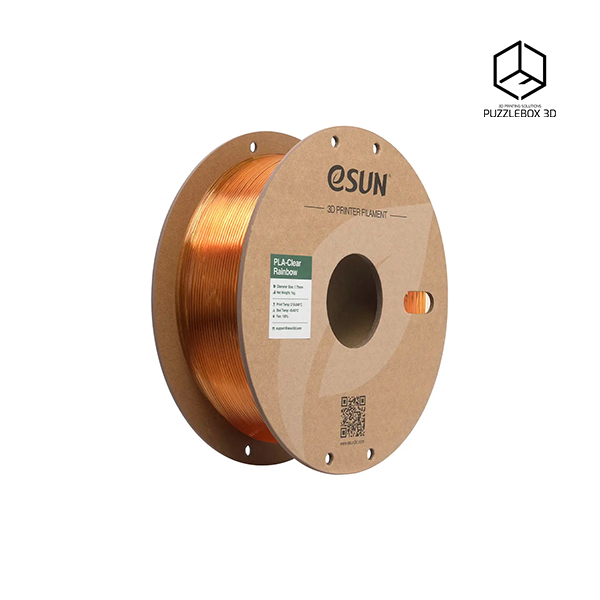
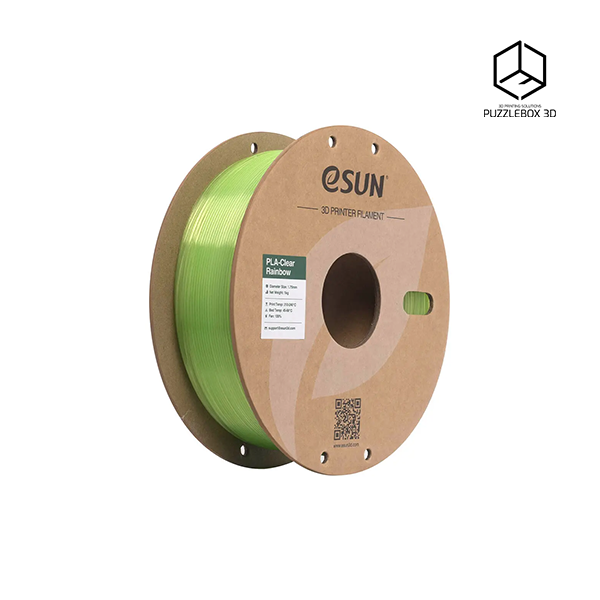
Purple Blue Cyan, Purple Blue Gray, Purple Red, Yellow Pink, Flame Crystal, Cyan Crystal, Green Crystal, Blue Crystal, Pink Crystal, Translucent Blue Purple, Translucent Blue Green, Translucent Blue White, Translucent Yellow Green Blue, Translucent Orange Gray, Translucent Rainbow B, Translucent Rainbow A