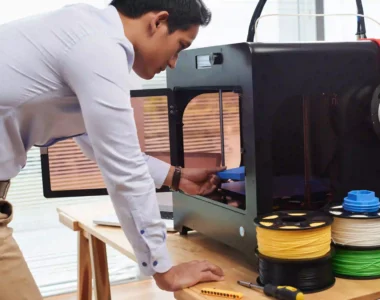
What Software Do You Need for 3D Printing?
The 3 Core Types of 3D Printing Software
To successfully 3D print anything, you’ll typically use three categories of software:
- 3D Modeling Software – to create or edit designs
- Slicer Software – to prepare files for printing
- Printer Control Software – to send and monitor prints
Let’s break each one down.
1. Slicer Software (The Most Important Step)
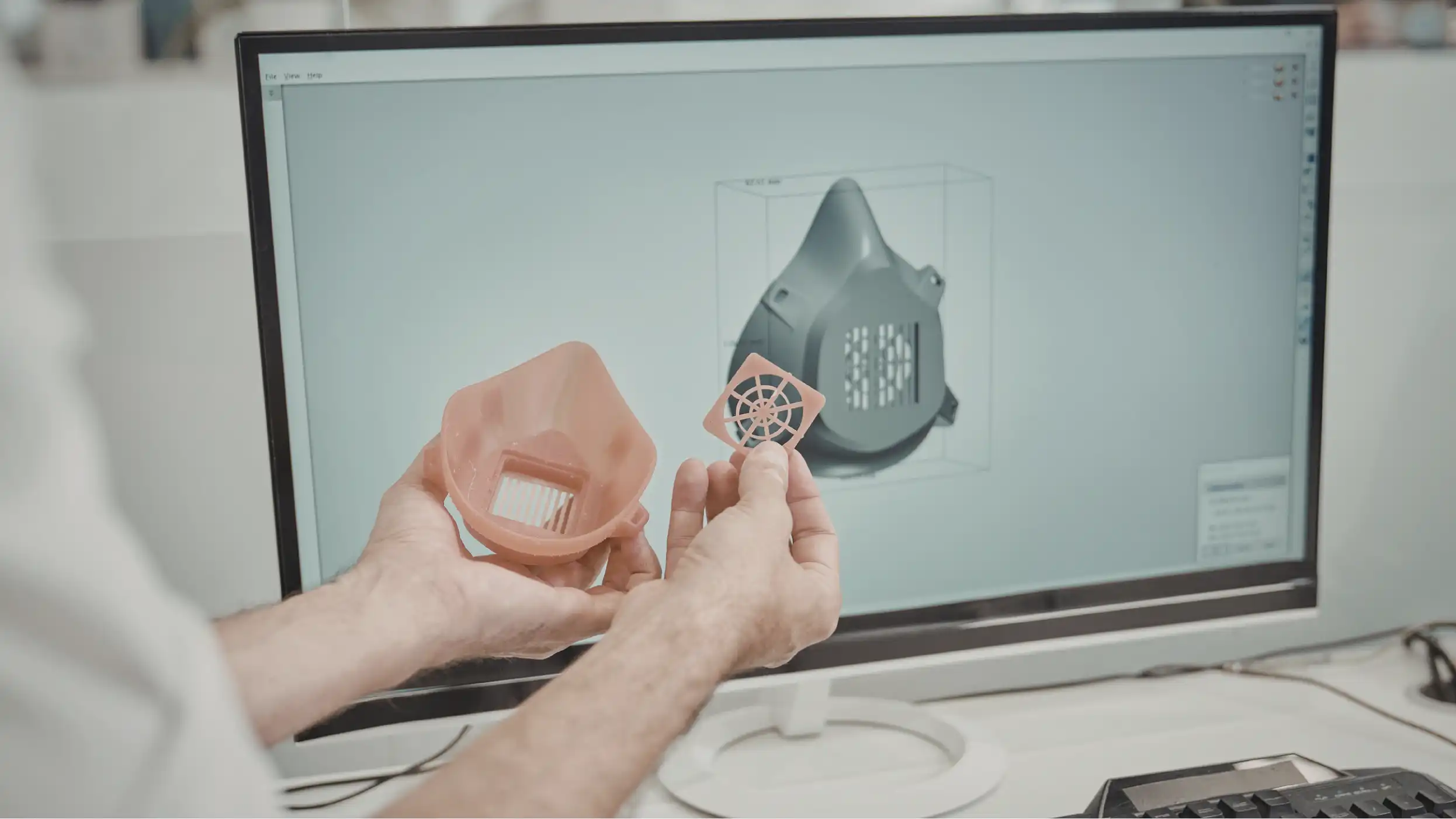
This is where your ideas come to life. If you’re not downloading ready-made models, you’ll need modeling software to design your own.
Beginner-Friendly Options
- Tinkercad
Simple, browser-based, and perfect for beginners - SketchUp
Easy to learn and widely used for basic designs
Beginner-Friendly Options
- Fusion 360
Industry-level tool for precise engineering and product design - Blender
Great for artistic models like figurines and characters
If you’re planning to sell prints or offer services, learning a tool like Fusion 360 is a big advantage.
2. Slicer Software (The Most Important Step)
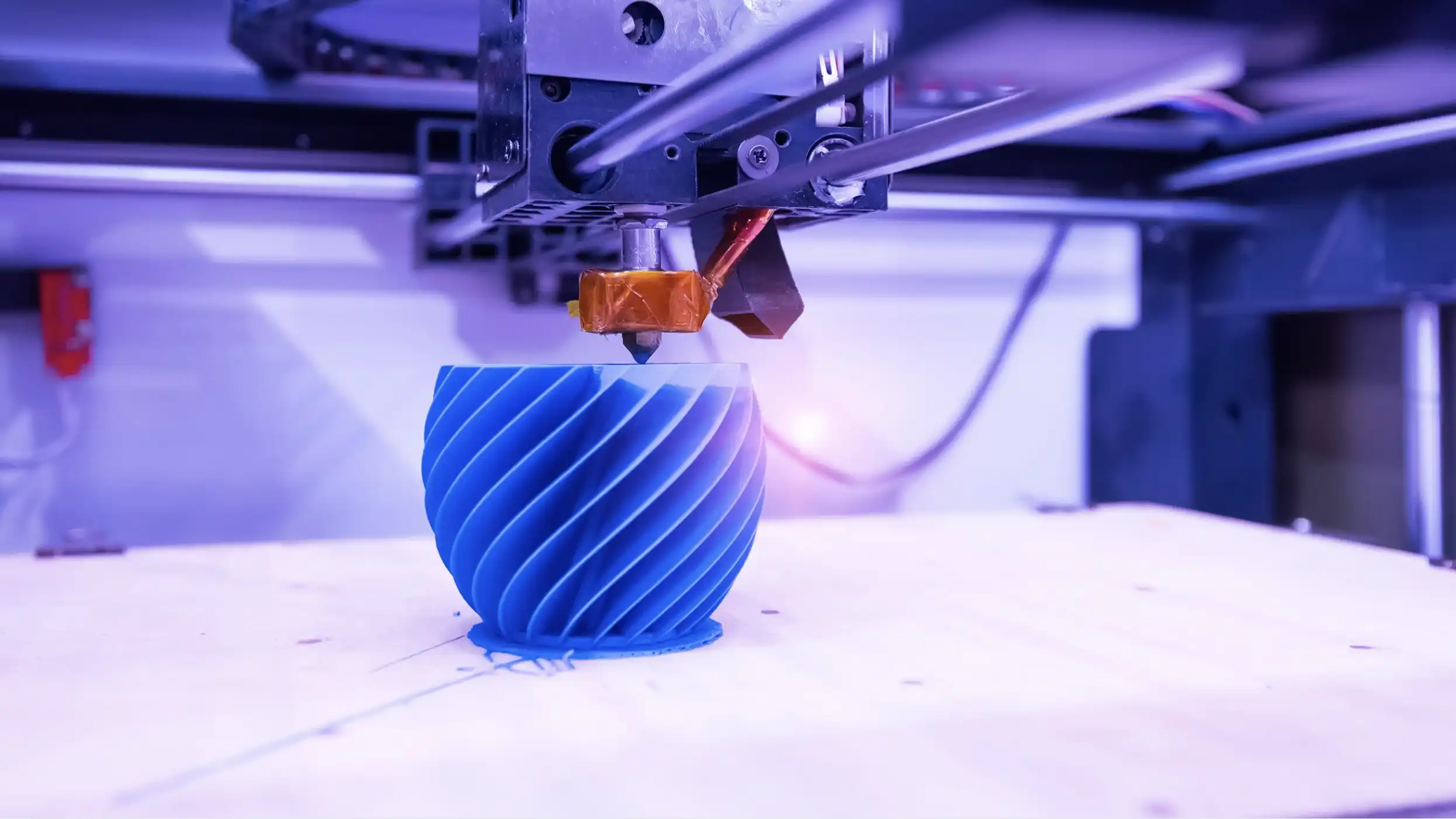
Once you have a 3D model (usually an STL file), you need to convert it into instructions your printer understands. That’s what slicers do.
They:
- Break the model into layers
- Generate toolpaths
- Estimate print time and material use
Popular Slicers
- Ultimaker Cura
One of the most widely used, beginner-friendly - Orca Slicer
Slicer best used with Flash Forge Printers - Bambu Studio
Optimized for Bambu Lab printers, very user-friendly
Think of the slicer as the bridge between your design and your printer—it’s absolutely essential.
3. Printer Control & Monitoring Software
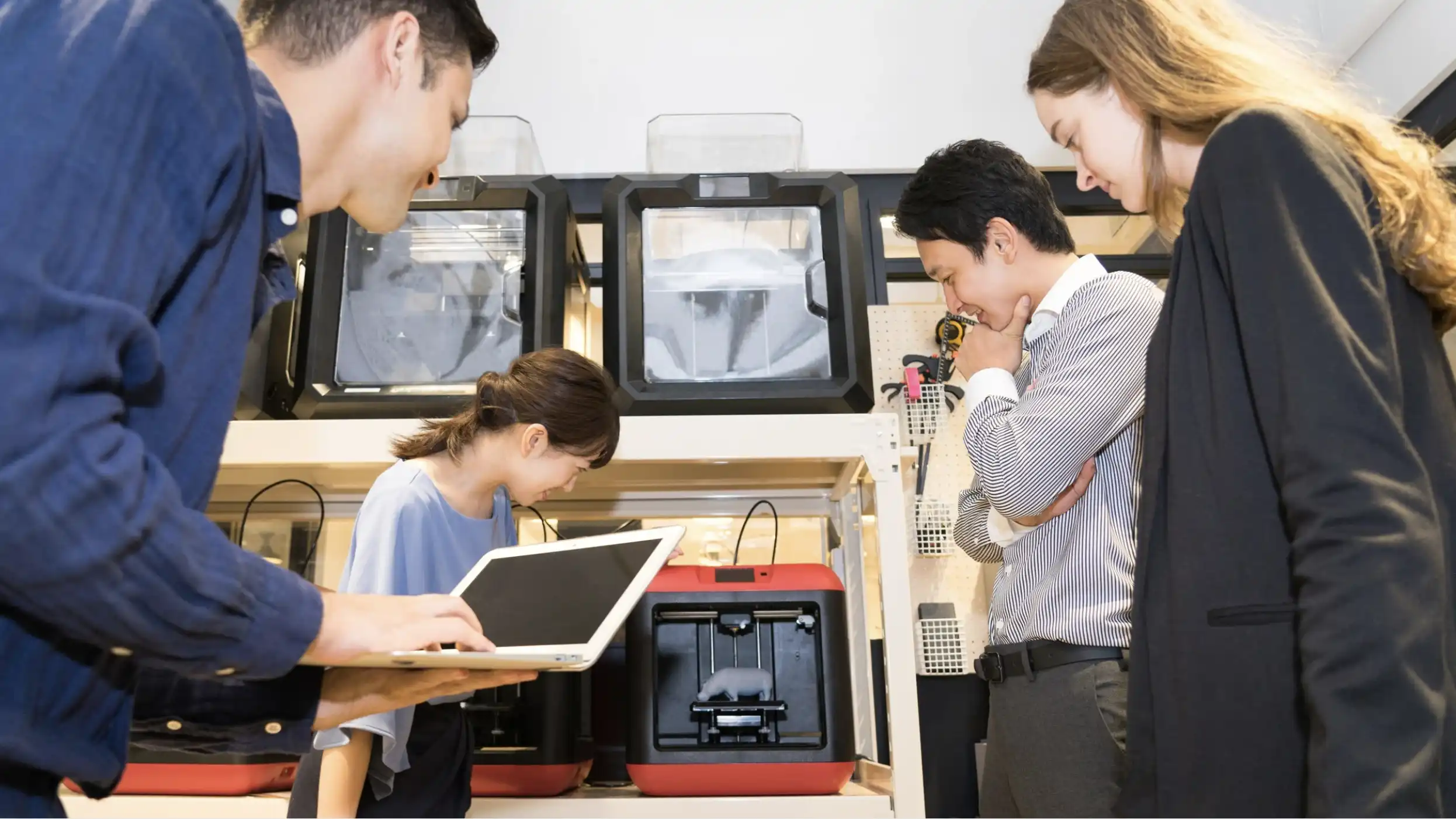
This software lets you send files to your printer and monitor prints in real time.
Common Options
- OctoPrint
Remote control via browser, great for advanced setups - Bambu Handy
Mobile app for monitoring and controlling prints - Ultimaker Digital Factory
It offers remote printer management, a centralized digital library for file organization, and integration with Cura for cloud-based slicing.
Some modern printers already include built-in control systems, so you may not need extra software.
A Simple Setup for Beginners
If you’re just starting, here’s an easy combination:
-
- Design: Tinkercad
- Slicer: Ultimaker Cura
- Control: Built-in printer software or OctoPrint
This setup is free, beginner-friendly, and powerful enough for most projects.
Do You Need to Learn All of These?
Not necessarily.
- If you download models, you can skip modeling software
- If your printer has its own ecosystem (like Bambu Lab), you may only need one app
- If you run a business, you’ll likely use all three
Where Puzzlebox 3D Printing Solutions Fits In

If you’re new to 3D printing, choosing the right software and making sure everything works together, can quickly become overwhelming. From modeling tools to slicers and printer settings, one small mistake can lead to failed prints.
That’s where Puzzlebox 3D Printing Solutions makes a big difference.
As a trusted 3D printing provider in the Philippines, Puzzlebox doesn’t just sell printers, they help you build a complete, working setup from day one. Whether you’re a student, hobbyist, educator, or starting a small business, they can guide you in choosing the right tools for your workflow.
Here’s how they help simplify your 3D printing journey:
- Software Guidance – Recommendations on beginner-friendly tools like Tinkercad and powerful platforms like Fusion 360
- Slicer Optimization – Helping you choose and properly set up Cura, Bambu Studio, or other slicers based on your printer
- Printer Setup Support – Ensuring your machine is calibrated and ready for reliable printing
- Training & After-Sales Support – So you’re never stuck troubleshooting alone
Instead of spending hours figuring things out through trial and error, Puzzlebox helps you go from zero experience to your first successful print faster and more confidently.
Final Thoughts
3D printing software might seem complicated at first, but the workflow is actually simple:
Design → Slice → Print
The challenge is knowing which tools to use and how to use them properly.
With the right combination of software—and the right guidance from providers like Puzzlebox 3D Printing Solutions—you can skip the frustration and focus on creating.
Start simple, build your skills step by step, and before long, you’ll move from printing ready-made models to designing your own—and even turning your setup into a business.